
This manual includes information on safety, responsibility, warranty, precautions, trademarks and more for the WJ-HD88 product.
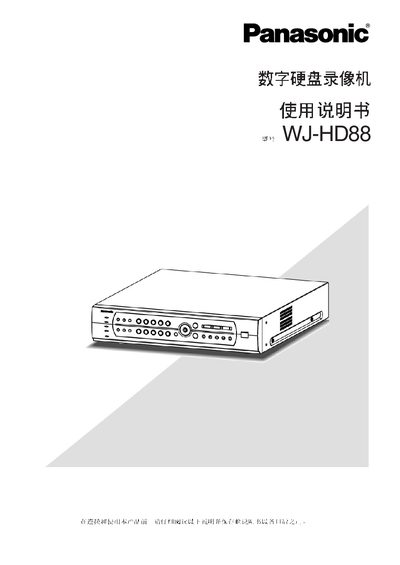
This manual covers safety precautions, required accessories, and installation requirements for the Panasonic WJ‑HD88 digital hard‑disk video recorder. It explains how to connect power, video, audio, RS485 and other interfaces, and provides guidelines for handling the unit in humid or high‑temperature environments.
The guide details daily operation, including recording, playback, timer settings, alarm handling, motion detection, and cloud‑camera control. It also includes menu navigation, system configuration, hard‑disk management, backup procedures, and a troubleshooting section with error‑indicator explanations. This manual is written in Chinese.
| Input voltage | 220‑240 V AC, 50 Hz |
|---|---|
| Operating temperature range | +15 °C to +45 °C |
| Video compression format | MPEG‑4 |
| Audio compression format | ADPCM G.723 |
| Number of video/audio inputs | 8 channels |
Press and hold the STOP button for about 2 seconds to stop recording on the current channel.
The recorder requires an AC input voltage of 220‑240 V at 50 Hz.