
This is a manual for Panasonic CF-31 laptop, which includes information such as product model, specifications, system, accessories, etc.
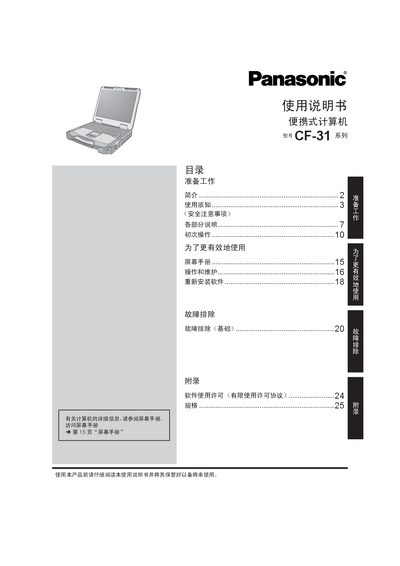
This manual introduces the CF-31 portable computer, covering preparation, safety precautions, and initial operation. It explains how to power the device, connect peripherals, and use built‑in wireless LAN, Bluetooth and optional GPS.
The document also details battery maintenance, power‑adapter requirements, display specifications, ENERGY STAR compliance, and troubleshooting procedures for common issues. This manual is written in Chinese.
| Battery model | CF-VZSU46R |
|---|---|
| Wireless LAN frequency range | 5725‑5850 MHz, 2400‑2483.5 MHz |
| Power consumption (off) | ≈0.8 W |
| Power‑adapter voltage compatibility | Up to 240 V |
| LCD brightness | 60 cd |
Battery replacement must be performed only by authorized service personnel; improper replacement can cause fire or explosion.
The device supports wireless LAN in the 5725‑5850 MHz and 2400‑2483.5 MHz bands.
When the computer is off it consumes about 0.8 W.
Yes, Panasonic has confirmed that the CF-31 meets ENERGY STAR energy‑efficiency requirements.