
This document is an operating manual for the Panasonic fax machine KX-FP7009CN. The document mentions the features and characteristics of the product, such as compatibility with caller ID display and support for multiple language displays. It also includes safety precautions for proper grounding, avoiding power overload, etc.
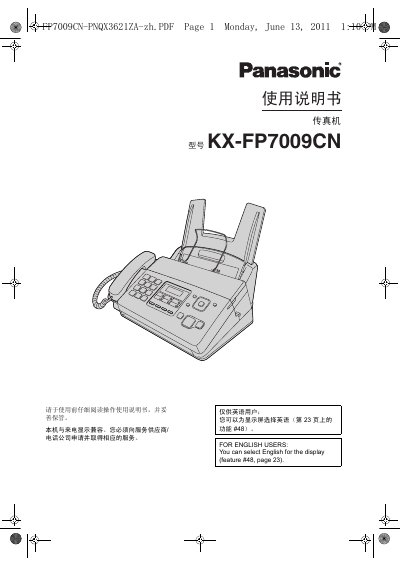
This manual provides step‑by‑step guidance for setting up and using the Panasonic KX‑FP7009CN fax machine. It covers safety precautions, installation, connection of power and telephone lines, and configuring language, date, time, and other settings.
The document also details fax sending and receiving procedures, copying functions, programmable features, troubleshooting, and maintenance tasks such as cleaning the scanner glass and hot‑sensitive head. Technical specifications are listed at the end of the guide. This manual is written in Chinese.
| Applicable line | Public switched telephone network |
|---|---|
| Document size | Maximum width 216 mm, maximum length 600 mm |
| Effective scan width | 208 mm |
| Effective print width | 202 mm |
| Transmission time per page | ≈ 12 seconds |
| Scan resolution | Horizontal 8 pixels/mm, vertical 3.85 lines/mm |
| Photo quality levels | 64 levels |
| Scanner type | Contact image sensor |
| Printer type | Thermal transfer on plain paper |
| Standby power consumption | ≈ 1.5 W |
| Dimensions (HxWxD) | ≈ 185 mm × 355 mm × 272 mm |
| Product weight | ≈ 4 kg (with accessories) |
| Power supply | 220‑240 V AC, 50/60 Hz, 1.2 A |
Select English for the display using feature #48 on page 23.
Enter the menu, choose the date/time setting, input year, month, day, hour and minute, then select AM/PM or 24‑hour format.
Use a cloth dampened with isopropyl alcohol, let it dry completely, and avoid using dry cloths or touching the head directly.
The maximum document width is 216 mm and the maximum length is 600 mm.