
This manual introduces basic operations of Panasonic KX-FM3808CN Fax Machine.
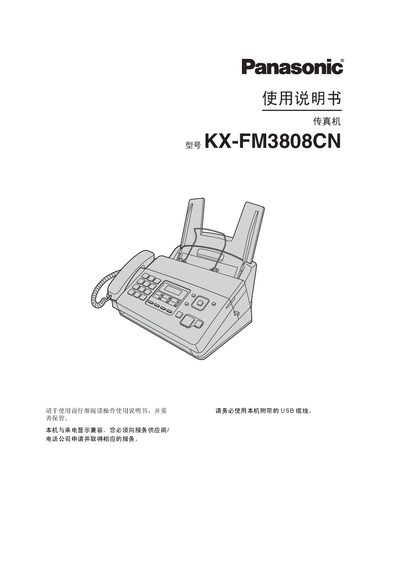
This manual explains how to install, configure, and operate the Panasonic KX‑FM3808CN fax machine. It covers safety precautions, required accessories, and basic controls.
Detailed sections describe connection and dialing settings, fax sending and receiving, copy functions, phone features, PANA LINK software integration, programmable options, maintenance procedures, and specifications. This manual is written in Chinese.
| Applicable line | Public switched telephone network |
|---|---|
| Maximum document size | 216 mm × 600 mm |
| Scan width | 208 mm |
| Print width | 202 mm |
| Transmission time per page | ≈ 12 s (ECM‑MMR) |
| Scan density | Horizontal 8 pixels/mm, Vertical 3.85 lines/mm |
| Power supply | 220‑240 V AC, 50/60 Hz, 1.2 A |
| Dimensions (HxWxD) | ≈ 185 mm × 355 mm × 272 mm |
| Weight (incl. accessories) | ≈ 4 kg |
| Standby power consumption | ≈ 1.5 W |
| Fax memory capacity (standard quality) | Transmit ≈ 25 pages, Receive ≈ 28 pages |
Use A4 paper (210 mm × 297 mm) with a weight of 64 g/m² to 80 g/m².
Connect the unit to a 220‑240 V AC supply, 50/60 Hz, drawing up to 1.2 A.