
This PDF file is the user manual for Panasonic CF-52 laptop. It introduces the features and usage of the laptop, including the instructions for using Windows 7 Professional and Windows XP Professional operating systems.
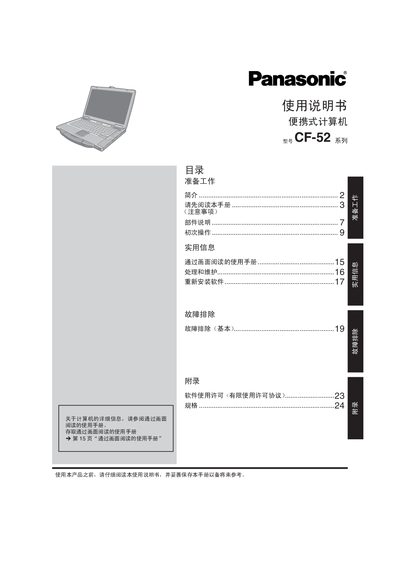
This user manual is for the Panasonic CF-52 portable computer. It begins with safety precautions, regulatory information, and handling cautions before describing preparation, parts, and first operation.
The manual also covers practical information, the on-screen reference manual, handling and maintenance, software reinstallation, troubleshooting, and appendices. This manual is written in Chinese.
No. The computer is not designed for medical machines, life-support devices, air-traffic control equipment, or other life-related systems.
Turn off the power, unplug the AC adapter, remove the battery, and contact technical support.
Continued use may cause fire, short circuit, or electric shock.
It should be replaced by authorized service personnel.