
This document is an operation and usage manual for the Panasonic Fax Machine KX-FP7006CN. It provides important information and safety instructions before using the machine. It also describes the features and characteristics of the product, such as compatibility with caller ID, copying and receiving documents, and the company's environmental policies.
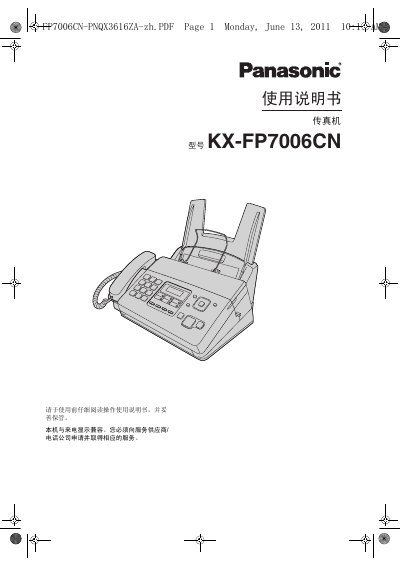
This manual begins with safety information, covering electrical hazards, proper grounding, and handling precautions for the KX-FP7006CN fax machine. It then guides users through unpacking, installing the imprint film, connecting power and telephone lines, and configuring basic settings such as dial mode and volume.
Subsequent sections describe how to send and receive faxes, use the copy function, program custom features, troubleshoot common problems, and perform routine maintenance. The final part lists technical specifications, including supported line types, paper sizes, power consumption, and dimensions. This manual is written in Chinese.
| Applicable line | Public switched telephone network |
|---|---|
| Maximum document size | 216 mm × 600 mm |
| Effective scan width | 208 mm |
| Effective print width | 202 mm |
| Transmission time per page | ≈ 12 seconds (ECM‑MMR) |
| Scan density (horizontal) | 8 pixels/mm |
| Power consumption (standby) | ≈ 1.5 W |
| Power consumption (transmission) | ≈ 12 W |
| Dimensions (HxWxD) | 185 mm × 355 mm × 272 mm |
| Weight (with accessories) | ≈ 4 kg |
Enter the menu, select the date/time setting, then input the year, month, day, hour and minute using the keypad. Confirm with the * key and exit the menu.
Press the A or B button while the machine is idle to increase or decrease the ringing volume; use the same buttons to adjust microphone and monitor volumes.
A4 paper sized 210 mm × 297 mm with a weight of 64 g/m² to 80 g/m² is supported; avoid cotton‑rich, glossy, coated, or damaged paper.
The unit operates on 220 – 240 V AC, 50/60 Hz, drawing up to 1.2 A.