
This document is a user manual that provides instructions on how to use the Panasonic crossover digital cameras HX-DC10GK and HX-DC1GK, as well as important precautions. The document covers safety precautions, battery usage, product labeling, and memory usage.
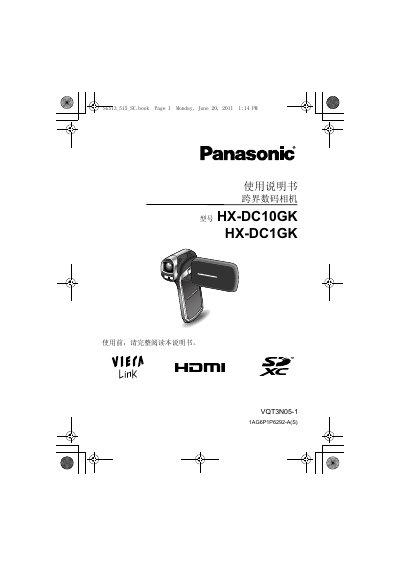
This manual covers safety precautions, battery handling, memory‑card compatibility, and detailed operating procedures for the Panasonic HX‑DC10GK and HX‑DC1GK digital cameras. It includes step‑by‑step guidance for shooting photos and videos, using smart auto and scene modes, and navigating the on‑screen menus.
Technical specifications such as sensor type, pixel count, power consumption, and supported video formats are listed, along with instructions for connecting the camera to external devices like HDMI‑mini cables and VIERA TVs. This manual is written in Chinese.
| Power consumption (recording) | 2.3 W (HX‑DC10) / 2.9 W (HX‑DC1) |
|---|---|
| Power supply voltage | DC 5.0 V (AC adapter) / 3.7 V (battery) |
The camera supports SD, SDHC, and SDXC cards, but cards without an SDHC label under 4 GB or without an SDXC label under 48 GB are not supported, and cards larger than 64 GB cannot be used.
The battery voltage is 3.7 V.
The camera records video in MP4 format using MPEG‑4 AVC/H.264 compression.