
This manual explains how to connect the camera to power and network, and how to install or place the camera during daily use.
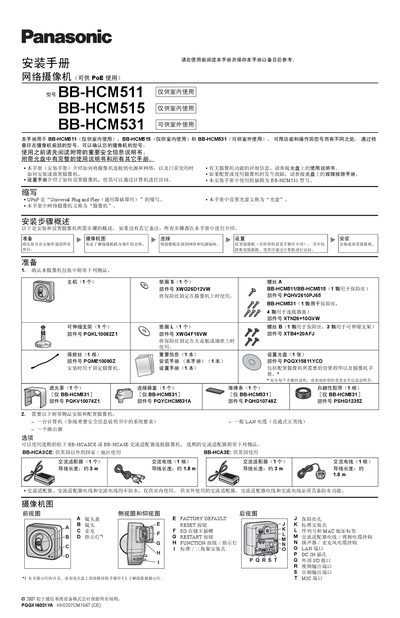
This manual explains how to install and configure Panasonic BB-HCM511, BB-HCM515 (indoor use) and BB-HCM531 (outdoor use) network cameras. It covers safety information, required accessories, power options, network connection, mounting methods, and optional external audio connections.
The guide provides step‑by‑step instructions for preparing the mounting location, connecting power (PoE or AC adapter), attaching the LAN cable, configuring the camera via the setup CD, and securing the camera with the supplied brackets or tripod. It also details wiring for external I/O, video output, and audio devices, and includes troubleshooting tips. This manual is written in Chinese.
| Power input voltage (DCIN) | 10.5 V – 13 V |
|---|---|
| Maximum DC load current | 100 mA |
| Network cable type | Straight‑through Category‑5 (5类) LAN cable |
| Power over Ethernet (PoE) support | Yes |
| External I/O voltage range | 10.5 V – 13 V |
A straight‑through Category‑5 (5类) LAN cable is required for connecting the camera to a PoE switch or router.