
Panasonic CF-W2 Series Notebook User Manual, introduces the product's features and usage methods.
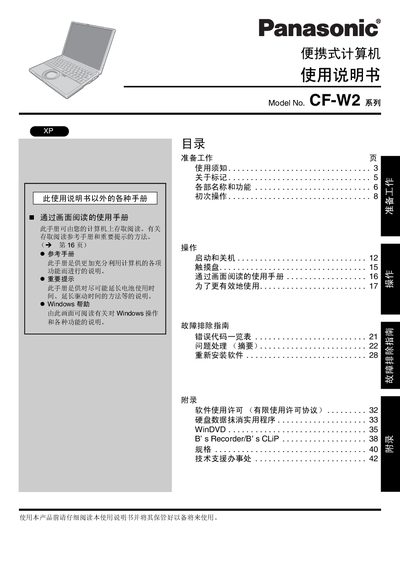
This manual covers the initial setup of the Panasonic CF‑W2 portable computer, including checking accessories, installing the battery, and connecting power. It also explains the function of each key, indicator lights, ports, and the built‑in wireless LAN antenna.
Safety guidelines are detailed, with specific warnings for battery handling, temperature limits, and proper use of the LCD screen. The document includes troubleshooting tips, software license information, and contact details for technical support. This manual is written in Chinese.
| Battery charging temperature range | 0°C to 55°C |
|---|---|
| Storage temperature range | -20°C to 60°C |
| Operating temperature range | 5°C to 35°C |
| DC input voltage | 16 V |
Charging will only start when the ambient temperature is between 0 °C and 55 °C; outside this range charging is disabled.