
This manual describes how to use the network camera setup program to configure a network camera.
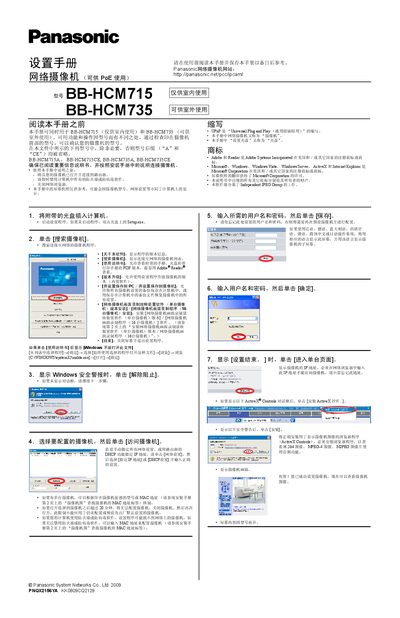
This guide explains how to install and configure Panasonic BB-HCM715 (indoor) and BB-HCM735 (outdoor) network cameras. It includes steps for connecting the camera to a router, disabling firewalls, and using the provided setup software to discover and access the device.
The manual also covers network settings (static IP or DHCP), enabling internet access via UPnP and Viewnetcam.com registration, configuring date and time, and installing the optional recording software for single‑camera or 16‑camera deployments. This manual is written in Chinese.
| Power | PoE supported |
|---|---|
| Supported image formats | H.264, MPEG‑4, MJPEG |
| Network protocol | UPnP (Universal Plug and Play) |
The disc provides Panasonic network‑camera recording software in two versions: one for a single camera and another for up to 16 cameras.