
The document describes a repair example provided by Tangshan Panasonic Kaiyuan+Wu Shanlong, involving the problem of blue grating with scan lines but no image or characters. During the repair process, it was found that the blue projection tube had the brightest light, the green tube had reduced brightness, and the red tube did not light up. The repair manual provides power supply block diagrams and control block diagrams. By testing the power supply and control bus, it was found that the power supply was normal, but the W board in the character flow was not working properly. Finally, it was discovered that there was an open circuit between the W board control bus terminals, and the problem was solved by shorting the circuit.
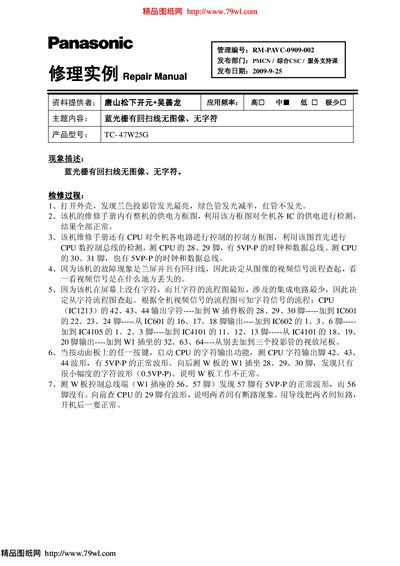
This manual addresses the common fault of a blue raster with a return‑scan line, resulting in no image or characters on the screen. It includes power‑supply and control block diagrams to help technicians verify the voltage to each IC and the CPU bus signals.
The document details step‑by‑step diagnostic procedures, such as checking the CPU character‑output pins (42‑44) for SVP‑P waveforms, tracing the video and character signal paths through multiple ICs, and locating broken connections by comparing waveforms on board pins. It also describes how to short a broken line to restore operation. This manual is written in Chinese.
| Product Model | TC-47W25G |
|---|---|
| CPU IC | IC1213 |
| Projection Tubes Condition | Blue tube brightest, green tube half brightness, red tube off |
It focuses on a blue raster with a return‑scan line that produces no image and no characters on the screen.
Measure pins 42, 43, and 44 for a normal SVP‑P waveform when a panel button is pressed.