
This manual describes how to use the Network Camera Recorder Single Camera Version to record the images from a network camera.
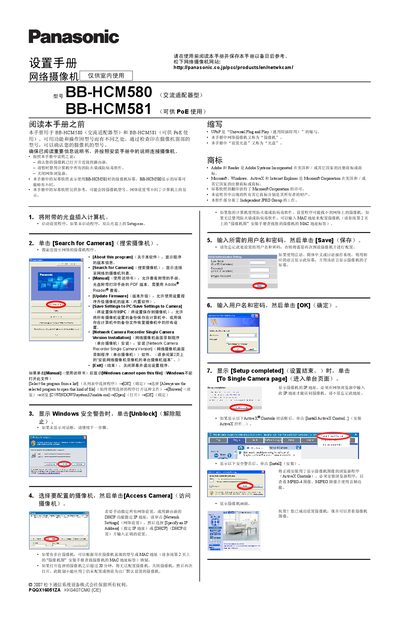
This manual provides step‑by‑step instructions for installing and configuring Panasonic BB‑HCM580 and BB‑HCM581 network cameras. It explains how to connect the cameras to a router, disable firewalls, and use the supplied setup software to discover and configure the devices.
The guide also covers advanced features such as setting the date and time, configuring IP settings (static or DHCP), enabling UPnP, and registering the camera with Viewnetcam.com for remote internet access. Firmware updates, saving settings, and troubleshooting tips are included. This manual is written in Chinese.
| Power Type | AC adapter (BB‑HCM580) / PoE (BB‑HCM581) |
|---|---|
| Video Formats | MPEG‑4 and MJPEG |
Open the setup program, click the Network Settings tab, and choose "Specify IP Address" to enter the desired IP.
Enable Auto Port Forwarding (IPv4) and register the camera with Viewnetcam.com, then save the settings.
In the setup program, click the "Update Firmware" button to install the latest firmware version.
Use the "Save Settings to PC" option in the setup program to back up all camera configurations.