
This manual describes the installation procedures for the BB-HCM580 (AC adapter type) and BB-HCM581 (PoE-capable) network cameras.
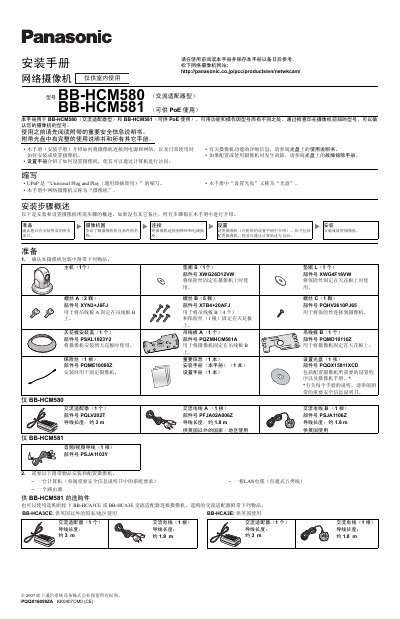
This guide provides step‑by‑step instructions for installing and configuring the Panasonic BB‑HCM580 and BB‑HCM581 network camcorders. It covers required accessories, power options (AC adapter or PoE), wiring, and initial setup to enable computer access.
The document also details mounting procedures for ceiling or tabletop installation, safety precautions, and how to connect external I/O devices such as sensors, microphones, and video equipment. It includes diagrams, part numbers, and wiring lengths for proper installation. This manual is written in Chinese.
| DC Input Voltage | 10.5‑13 V DC |
|---|---|
| Maximum DC Load | 100 mA |
| Power Options | AC adapter (BB‑HCM580) or PoE (BB‑HCM581) |
| External I/O Ports | 6 terminals (GND, sensor inputs, control output, DC output) |
Connect the supplied Panasonic AC adapter and AC power cord to the DC IN jack of the BB‑HCM580.
Yes, connect the BB‑HCM581 to a PoE hub using a standard Ethernet cable; the hub must be linked to the router.
The camcorder accepts a DC input voltage of 10.5 to 13 V.
Up to two external sensors and one control device can be connected via the six I/O terminals.