
This document is an installation manual for a network camera, which introduces the installation steps and necessary items. It also provides explanations for other accompanying items such as the setup manual and the independent SD card recording manual.
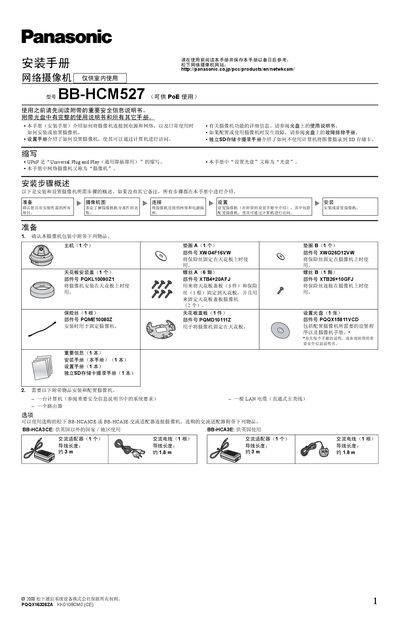
The manual provides step‑by‑step instructions for installing the BB‑HCM527 indoor network camera. It covers preparation, mounting the camera on a ceiling, connecting power adapters or PoE, and configuring the device via a computer.
Additional sections explain how to connect external sensors, audio/video equipment, and detail safety and wiring recommendations for both wood and concrete ceilings. The guide also references the accompanying setup and troubleshooting manuals on the supplied CD. This manual is written in Chinese.
| External I/O voltage range | DC 10.5V‑13V |
|---|---|
| Maximum external I/O load current | 100 mA |
No, the camera is for indoor use only.
Connect the camera with a straight‑through Cat5 LAN cable to a router or a PoE switch, and enable the router’s UPnP function.
The external I/O ports can drive up to 100 mA.
Use the supplied screws, washers and fuse, and ensure the fuse is installed to prevent the camera from falling.