
This document provides solutions to the problems of no sound or poor sound quality, including checking if the pause mode is activated, checking and cleaning the connections, adjusting the volume, avoiding strong magnetic fields, etc. It also introduces the usage of the RESUME and HOLD functions.
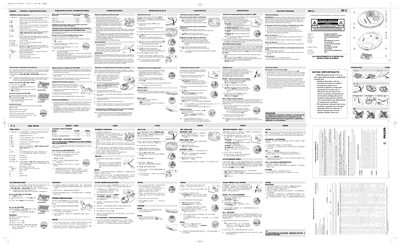
This manual provides step‑by‑step instructions for operating the Sony CD player, including how to play, pause, program tracks, and use special functions such as RESUME and HOLD. It also details troubleshooting tips for common issues like no sound, poor audio quality, and magnetic interference.
Additional sections cover battery installation and charging, power‑adapter requirements, safety precautions, and warranty information for the device. The guide is written in Spanish and includes diagrams of the controls and wiring connections for both portable and car‑installation use.
| Battery type (AA) playback time | 15 hours (normal), 20 hours (low power) |
|---|---|
| Battery type (AAA) playback time | 7 hours (normal), 9 hours (low power) |
| Power adapter voltage | 4.5 V DC |
The manual lists possible causes such as the pause mode being active, dirty or loose connections, low volume setting, strong magnetic fields, or using the device in a car with an improperly inserted cassette adapter.
Slide the OFF–RESUME–HOLD switch to the RESUME position during playback; the display will show “RESUME” and playback will continue from the last stopped point.
Set the OFF–RESUME–HOLD switch to HOLD; all button presses will be ignored until the switch is moved back to OFF.
The device accepts either AA (LR6, UM3) or AAA (LR03, UM4) alkaline batteries, preferably Philips brand, and also rechargeable NiMH ECO‑PLUS batteries (AY 3363).