
This document describes the features and characteristics of Philips mobile phones, including operation methods, function menus, and instructions for using various functions.
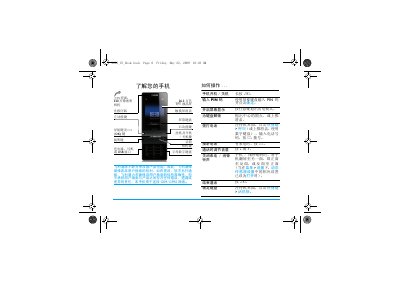
This manual introduces the Philips X810 mobile phone, covering its hardware layout, basic operations such as powering on/off, inserting the SIM card, and charging the battery. It also explains how to navigate the main menu, use the built‑in camera, media player, and other tools.
Detailed sections guide users through configuring settings, managing contacts, sending messages, using Bluetooth, and troubleshooting common issues. Warranty and environmental information are provided at the end of the document. This manual is written in Chinese.
| Display | 26.2万色 TFT液晶屏 |
|---|---|
| Camera | 320万像素照相机 |
| Network | GSM/GPRS |
| Memory Card Slot | Micro SD 卡 |
Press and hold the power key (长按) to turn the phone on or off.
Open the back cover, remove the battery, align the SIM card with the slot (metal contacts down), and push it in.