
This document is a user guide for Philips mobile phones, which introduces the features and operating methods of the phone. Philips strives to improve product performance. The phone supports UTMS/HSPDA/GSM/GPRS/EDGE networks and has features such as a 26.2 million-color TFT LCD screen, camera function, and video calling.
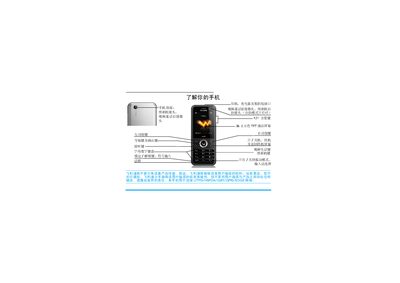
This manual provides step‑by‑step instructions for using a Philips mobile phone, including how to power the device on and off, make voice and video calls, send messages, and manage contacts. It also explains how to configure input methods, use shortcut keys, and enable power‑saving features.
Additional sections cover the phone’s built‑in tools such as the camera, music player, FM radio, Bluetooth, and business assistant functions, as well as safety notices, warranty information, and environmental compliance details. This manual is written in Chinese.
| Display | 262,000‑color TFT LCD |
|---|
Press and hold the power key ( ) to power the phone on or off.
Press and hold the * key to lock or unlock the keyboard.
Enter the phone number on the standby screen and press ( to dial.
Long‑press the side key to enter camera mode, then press L to access the selfie mode if needed.