
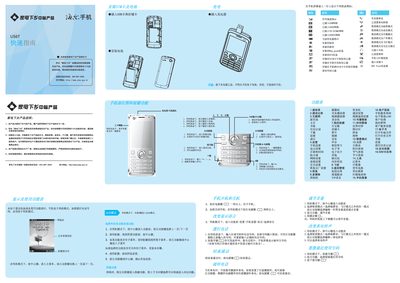
Haier U56T Phone Quick Start Guide


Haier U56T Phone Quick Start Guide - cover page
Brand
Haier
Category
Cell Phones
Document type
Quick Start Guide
Language
Chinese
Pages
2
File format
PDF
File size
11.5 MB
Published
28 February, 2012
Updated
06 March, 2012
Model
U56T
MD5 checksum
E7CBE74F900EA115E56CD211FEE9F2E2

About this manual

This guide introduces the Haier U56T mobile phone, covering how to install the SIM and storage cards, power the device on, navigate the main menu, and use basic functions such as dialing, messaging, and multimedia playback. It also explains the various input methods, including numeric, pinyin, and handwriting entry.

Safety information includes handling and storage recommendations, battery charging guidelines, SAR radiation limits, and warranty service contacts. The document also lists supported network types and provides troubleshooting tips for common issues. This manual is written in Chinese.

What's inside

  • Installation and SIM/Storage Card
  • Power On and Basic Navigation
  • Dialing and Calling
  • Input Methods
  • Multimedia Functions
  • Battery Charging and Care
  • SAR and Radiation Safety
  • Network Support
  • Warranty and Service

Specifications

Maximum SAR0.109 W/kg

Frequently asked questions

How do I turn on the Haier U56T phone?

Press and hold the power key for more than one second to turn the phone on.

Can I remove the battery while the phone is charging?

No, you must keep the battery installed while the charger is connected.

What is the maximum SAR value of the phone?

The maximum SAR value is 0.109 W/kg.

Download PDF (11.5 MB)

More Haier Manuals


View all Haier manuals →