
This document is the user manual for HW-U80WG phone. It introduces the functions and usage of the phone in detail.
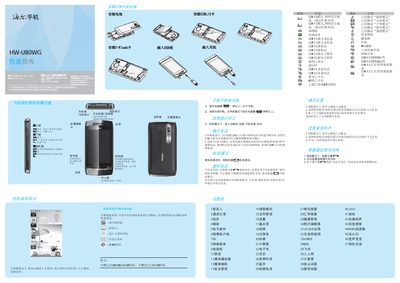
The guide walks users through the basic operation of the HW-U80WG phone, covering the quick‑access menu, how to install the battery, T‑Flash card, SIM cards and USB cable, and how to navigate the main menu and settings. It also explains the different key functions such as the center, volume, camera and power keys.
Additional sections describe the various input methods (handwriting, smart Pinyin, stroke input, English case input), network options (WCDMA/GSM support, Bluetooth 2.1, Wi‑Fi), multimedia features (camera, video call, music, radio) and how to configure personal settings like alarms, calendars and health management. This manual is written in Chinese.
| SIM slot 1 network support | WCDMA and GSM |
|---|---|
| SIM slot 2 network support | GSM only |
| Video call support | SIM1 only |
| Bluetooth version | 2.1 |
| Supported input methods | Handwriting, Smart Pinyin, Stroke, Smart English case, Numeric |
Insert the battery as shown in the installation section of the guide.
Only SIM1 supports video calls on this phone.
The phone supports Bluetooth version 2.1.
Select the handwriting input method to write Chinese, English, or numbers directly on the screen.