
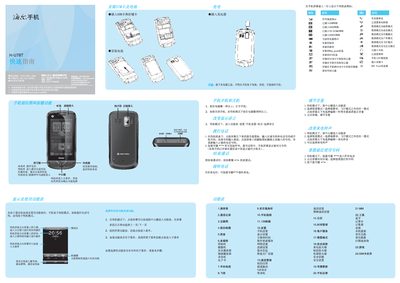
The guide explains how to insert the SIM and storage cards, power on the device, navigate the standby interface, and adjust language and date settings. It also covers basic dialing, contacts, messaging, and multimedia functions.
Safety information includes proper charging, battery handling, SAR limits, and warnings about using the phone near aircraft, fuel, or medical equipment. This manual is written in Chinese.
| SAR (max) | 0.337 W/kg |
|---|
Press and hold the power key for more than one second to turn on the phone.
Insert the SIM card before inserting the battery, and do not remove the battery while the charger is connected.
The maximum SAR value is 0.337 W/kg, complying with national standards.
In standby mode, go to Settings → Phone Settings → Language and select the desired language.