
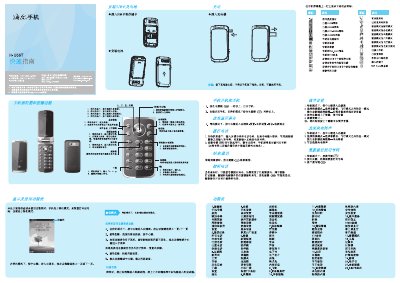
This guide introduces the main functions of the Haier H-U66T mobile phone, including how to power on, navigate menus, use the keypad, and access common features such as calls, messaging, multimedia, and camera. It also explains how to insert SIM and memory cards, adjust volume, and switch between different scene modes.
Safety and maintenance information is included, covering proper battery charging, handling, environmental precautions, and regulatory compliance such as SAR limits. The guide ends with troubleshooting tips and contact details for service support. This manual is written in Chinese.
| Maximum SAR | 0.031 W/kg |
|---|---|
| Battery Charge/Discharge Cycles | ≈100 cycles |
Press and hold the power key for more than one second to turn on the phone.
Use the direction keys or the up/down side keys to increase or decrease the volume.
Insert the SIM card and memory card into their respective slots as shown.
Select the format option in the menu to erase all data on the memory card.