
This document is an instruction manual for a certain mobile phone model. It introduces the basic functions and usage methods of the phone.
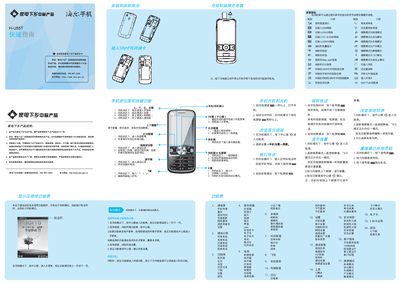
The guide explains how to power the phone on and off, navigate the main menu, and use the various function keys. It describes entering standby mode, accessing the quick menu, adjusting volume, switching between pages, and using features such as video calls, music playback, and internet browsing.
Safety and maintenance information is also included, covering charging procedures, battery care, SAR limits, environmental compliance, and instructions for handling the device in different temperature conditions. Contact details for customer service and warranty support are provided at the end of the document. This manual is written in Chinese.
| SAR (Specific Absorption Rate) | 1.06 W/kg |
|---|---|
| Charging Temperature Range | -5°C ~ 55°C |
Press and hold the power key for more than one second to turn the phone on.
Press the # key to toggle between input methods such as Pinyin, English, and symbols.
Insert the charger plug into the phone’s charging port and connect the charger to a power source.