
This document describes the features and characteristics of Haier laptops, including power adapter supply, internal lithium-ion battery installation, 3G internet module installation, and cooling ventilation design.
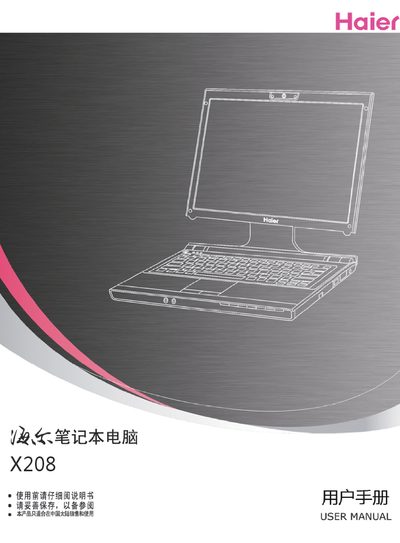
This manual outlines safety precautions and proper handling for the Haier X208 laptop, including warnings about temperature changes, moisture, and placing heavy objects on the device. It also describes the functions of indicator lights and the touchpad.
Additional sections cover a quick start guide, detailed usage instructions, and a troubleshooting guide to help resolve common issues. An appendix lists hazardous material information and other regulatory details. This manual is written in Chinese.
Avoid sudden changes in temperature and humidity.
No, do not spray water or cleaning agents on the laptop.