
PPF 675S User Manual, this manual introduce the product's usage method, function introduction, installation guide and other contents.
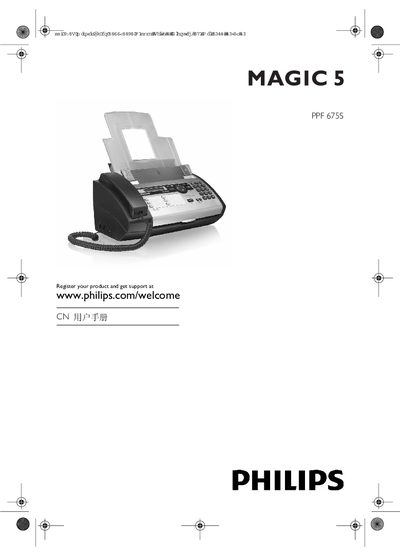
This manual covers safety information, installation steps, and detailed usage of the PPF 675S's telephone, fax, scanning, and copying functions. It includes guidance on connecting power, telephone line, microphone, and loading paper, as well as configuring date, time, language, and network settings.
Additional sections describe the answering‑machine features, voicemail handling, VIP password protection, and routine maintenance such as cleaning, paper‑jam removal, and cartridge replacement. Technical specifications and regulatory compliance details are listed in the appendix. This manual is written in Chinese.
| Dimensions (L×H×W) | 313×129×197 mm |
|---|---|
| Weight | 1.9 kg |
| Power supply | 220–240 V~, 50–60 Hz |
| Standby power consumption | < 1.5 W |
| Transmission mode power consumption | < 20 W |
| Recommended ambient temperature | 18–28 °C |
| Relative humidity (non‑condensing) | 20–80 % |
| Network type | PSTN / PABX |
| Scanning width | 212 mm |
| Horizontal resolution | 8 dots/mm |
Enter the time in HHMM format, then the date as YYMMDD, and press OK to confirm.
The phonebook can hold up to 200 entries.