
Glee Cube User Manual, introduces product hardware connection, software installation, network settings, player program and control panel, real-time audio and video applications, recording, file management and other content.
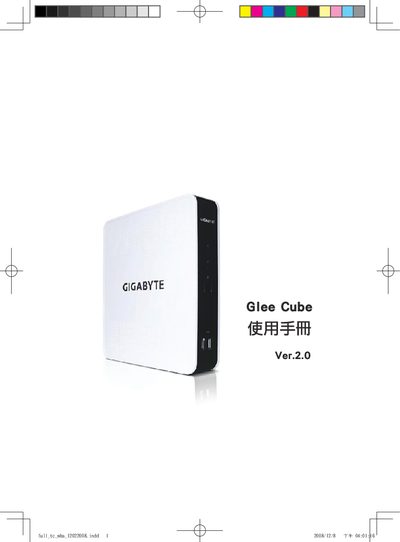
The manual describes the hardware of the Glee Cube, including its antenna and cable connections, USB HDD and flash disk ports, and S‑Video output. It also lists the supported operating systems such as Windows Vista, ME, 2000 and XP.
Configuration chapters cover network features like DHCP, DMZ, Virtual Server, UPnP and other advanced settings, guiding users through the setup of the device for home or small‑office use.
| CPU | Pentium 4 1.2 GHz |
|---|---|
| Display Resolution | 1024 × 768 |
| Supported OS | Windows Vista, ME, 2000, XP |
| Input Ports | Antenna, cable |
| USB Ports | USB HDD, USB Flash Disk |
| Video Output | S‑Video |
The Glee Cube supports Windows Vista, Windows ME, Windows 2000 and Windows XP.
It is equipped with a Pentium 4 processor running at 1.2 GHz.