
This document provides information on electrical specifications, general specifications, installation, and wiring. For more details about the network protocol in CMC-EIP01, please refer to professional articles or literature. For the installation environment, method, and notes of the AC motor drive, please refer to the user manual of the AC motor drive. Switch off the power supply of the AC motor drive before installing CMC-EIP01. The circuit inside the AC motor drive has a CMOS IC that is particularly sensitive to static electricity. Please DO NOT touch the circuit board before taking precautions against static electricity. CMC-EIP01 is an accessory of and has to be installed on the VFD-C2000 series AC motor drive. The IC on the circuit board can be easily damaged by static electricity; therefore, DO NOT touch it before precautions against static electricity are done. Non-maintenance staff should not operate or accidentally hit the body of CMC-EIP01 to avoid danger and damage. DO NOT touch any terminals when the power is switched on.
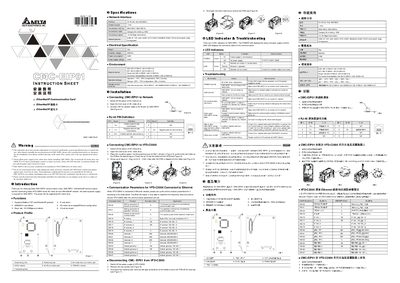
The CMC‑EIP01 is an Ethernet communication card designed for Delta VFD‑C2000 series drives. This instruction sheet provides the specifications, wiring details, network connection steps, and LED indicator meanings needed for proper installation and operation.
The document includes network interface parameters, electrical and environmental ratings, step‑by‑step wiring instructions, and a troubleshooting section that explains the POWER and LINK LED status indicators. This manual is written in Chinese.
Connect the RJ‑45 connector of the CMC‑EIP01 to the network using a CAT5 cable as shown in the wiring diagram.