
CHT series temperature and humidity transmitters are high-performance OEM value-added products based on proven HIH3610 thermal-set polyester capacitive humidity sensor and HEL700 series PT1000 platinum resistor, with measurement range of 0-100%RH, temperature measurement range of -20°C-+85°C or -10°C-+60°C, 4-20mA or 0-5V output, and PCB or wall-mounted installation.
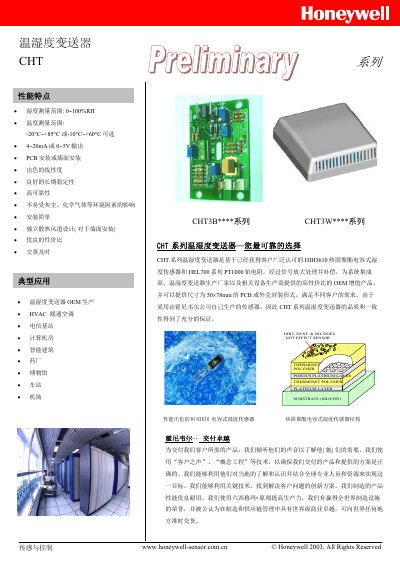
The Honeywell CHT Series temperature and humidity transmitters are high-cost-performance OEM products based on the HIH3610 thermoset polymer capacitive humidity sensor and HEL700 series PT1000 platinum resistor. They are designed for system integrators and equipment manufacturers, offering options for PCB or wall-mount installation.
These transmitters are suitable for various applications including HVAC, telecom base stations, computer rooms, pharmaceutical plants, museums, stations, and airports. They feature high reliability, excellent linearity, and long-term stability, with an IP30 protection rating. This manual is written in Chinese.
| Humidity Measurement Range | 0~100%RH |
|---|---|
| Temperature Measurement Range | -20°C to +85°C or -10°C to +60°C |
| Output Signals | 4~20mA (2-wire) or 0~5V (3-wire) |
| Humidity Accuracy | ± 3%RH (@25°C, 0~100%RH) |
| Temperature Accuracy | ± 0.3°C (@25°C) |
| Protection Rating | IP30 |
| Power Supply (4~20mA output) | 7.5~36VDC (nominal 24VDC) |
The device should be preheated for more than 30 minutes to account for the effect of circuit self-heating on the sensor.
When installing, ensure the "UP" arrow is pointing upwards.