
The Honeywell HMR3400 is a digital compass solution designed specifically for marine and precision guidance applications. It uses Honeywell's magnetoresistive sensor technology and a MEMS accelerometer to provide a miniature, reliable tilt-compensated electronic compass.
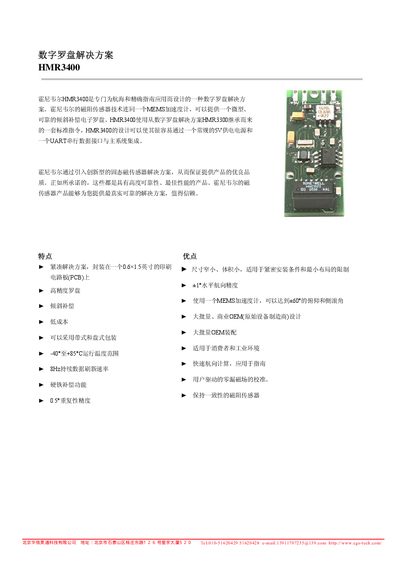
This manual describes the HMR3400 digital compass solution designed for marine and precise heading applications. It explains the hardware layout, pin configuration, power requirements, and physical dimensions of the 0.6 × 1.5 in PCB module.
The document also covers calibration procedures, UART communication settings, command syntax for heading and magnetometer output, and configuration options such as filter settings, magnetic declination, and baud‑rate selection. Ordering information and part numbers are listed at the end. This manual is written in Chinese.
| Horizontal Accuracy | 1.0° RMS |
|---|---|
| Repeatability | 0.2° |
| Operating Temperature | -40 °C to +85 °C |
| Input Voltage | 4.8 V – 5.2 V DC |
| Data Refresh Rate | 8 Hz |
| Weight | 3.75 g |
| PCB Size | 0.6 in × 1.5 in |
| UART Baud Rates | 2400, 4800, 9600, 19200 |
Rotate the device a full 360° on a level surface to expose the XY sensors to all headings, then run the built‑in calibration program; the resulting offset values should be less than +200 ADC counts.
The module supports four baud rates: 2400, 4800, 9600, and 19200. The default factory setting is 19200.
Send the “+S” command; each transmission toggles the data stream between start and stop modes.
The device operates from –40 °C up to +85 °C.