
The imageRUNNER 3035 is the latest member of Canon's imageRUNNER series of products and is a black and white multifunction device designed for individual users. The device features digital copying, mail box, optional universal send and network printing, a choice of finishing options, as well as new system features that allow you to customize the device and streamline your workflow to meet your individual work flow needs.
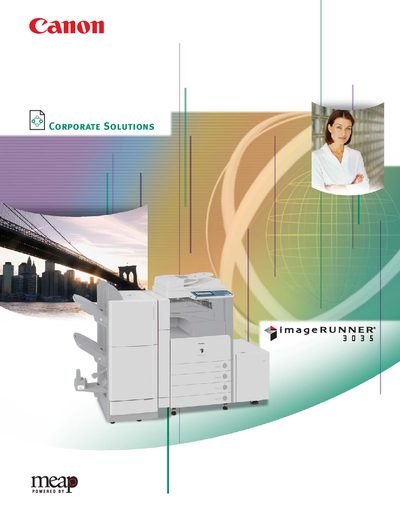
The Canon imageRUNNER 3035 is a monochrome digital multifunction copier and printer designed for office environments. This manual details its hardware specifications, optional accessories, and network capabilities, helping users configure and operate the device efficiently.
Key sections cover the main unit specifications, paper handling options, finisher accessories, network interfaces, power requirements, and software drivers. The document also lists optional accessories and provides guidance on installation and usage.
| Copy Speed (Letter) | Up to 35 ppm |
|---|---|
| First‑Copy Time | Approx. 3.9 seconds (from platen glass) |
| Standard Memory | 512 MB RAM + 20 GB HDD (shared) |
| Maximum Print Resolution | 2400 × 600 dpi (interpolated) |
| Power Consumption | Approx. 30 W |
The first copy is produced in approximately 3.9 seconds from the platen glass.
The device can hold up to 4,950 sheets total, using dual 550‑sheet cassettes, a 2,700‑sheet paper deck, and a stack bypass.
It supports 10/100Base‑TX Ethernet (RJ‑45) and USB 2.0 High Speed connections.
The maximum print resolution is 2400 × 600 dpi (interpolated).