
This manual introduces the basic knowledge of using PowerShot A495 camera.
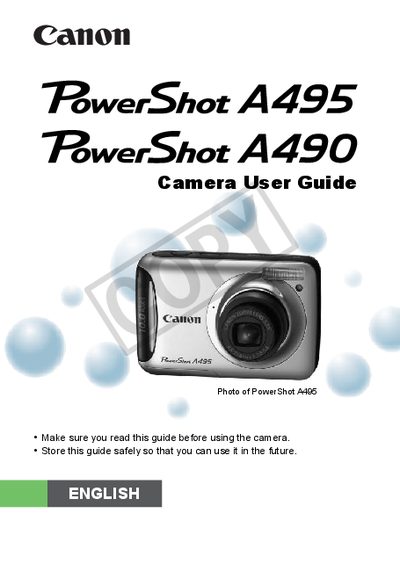
This guide introduces the Canon PowerShot A495 digital camera, covering package contents, safety precautions, and basic setup steps such as inserting batteries and memory cards. It explains how to configure the date and time, select display language, and format memory cards before shooting.
The manual details all shooting and playback functions, including Smart Auto, various scene modes, macro, continuous shooting, and video recording. It also describes how to transfer images via USB, use accessories, adjust settings, and troubleshoot common issues. Technical specifications and regulatory information are provided at the end of the document.
| Effective Pixels | Approx. 10.0 million |
|---|---|
| Image Sensor | 1/2.3-inch type CCD (≈10.3 million total) |
| Lens Focal Length | 6.6 – 21.6 mm (35 mm equiv. 37 – 122 mm) |
| Optical Zoom | 3.3× |
| LCD Monitor | 2.5" TFT LCD, approx. 115,000 dots |
| Shutter Speed Range | 1 – 1/2000 sec |
| Maximum Image Size (still) | 3648 × 2736 pixels |
| Video Format | AVI (Motion JPEG video, WAVE mono audio) |
| Power Source | 2 AA alkaline batteries (or 2 AA NiMH) |
The camera has approximately 10.0 million effective pixels.
It is powered by two AA alkaline batteries, with optional AA NiMH batteries available.
The lens provides a 3.3× optical zoom.