
This is a user manual for a Canon digital camera. It introduces the camera's various parts, operating methods, shooting functions, playback functions, and connection functions.
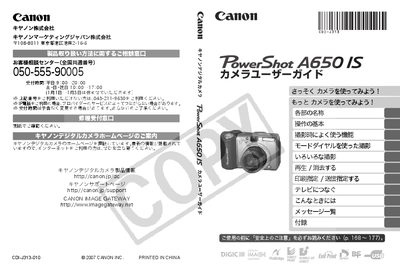
This manual begins with a quick start guide, listing the included accessories such as the camera body, AA alkaline batteries (4 pcs), and interface cables. It explains how to insert batteries and memory cards, set the date and time, and perform basic functions like taking photos, recording video, and reviewing images.\n\nLater sections cover detailed shooting modes, menu settings, flash operation, ISO and white‑balance adjustments, and connectivity options for printing, TV output, and computer transfer. Safety precautions, warranty information, and troubleshooting tips are also provided. This manual is written in Japanese.
| Battery type | AA alkaline (4 pcs) |
|---|
It uses four AA alkaline batteries.