
This is a manual on how to use Digital Photo Professional 3.7 to process, view and edit RAW format images.
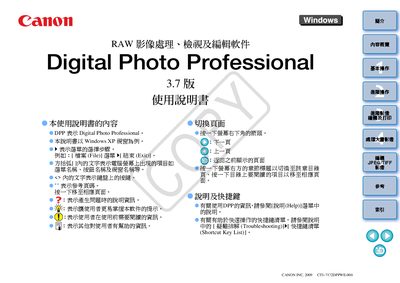
This manual explains how to use Canon Digital Photo Professional (DPP) version 3.7 for handling RAW images captured by Canon cameras. It describes basic operations such as downloading images, viewing, editing, and printing, as well as advanced functions like batch processing, color management, and custom image adjustments.
The guide also provides system requirements, supported file formats, and troubleshooting tips, helping users get the most out of the software on supported Windows operating systems. This manual is written in Japanese.
| Supported Operating Systems | Windows Vista, Windows XP Professional/Home Edition |
|---|---|
| Minimum RAM | 1 GB |
| Display Resolution | 1024 × 768 pixels or higher |
| Color Depth | 16‑bit or higher |
The software runs on Windows Vista and Windows XP Professional/Home Edition.
Use the Brightness/Contrast controls in the editing toolbar to modify image brightness and contrast.
DPP can export edited images as JPEG or TIFF files.