
EOS Utility is a communication software for EOS DIGITAL cameras. It allows users to import captured images from the camera's memory card to a computer, perform camera settings, and remotely control the camera for shooting.
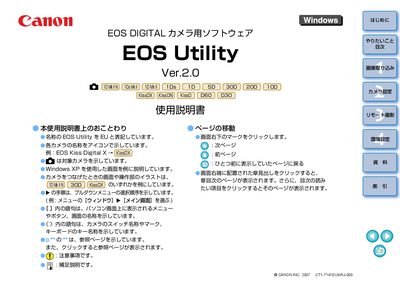
This manual describes the EOS Utility software that communicates with Canon EOS digital cameras. It covers connecting the camera to a computer, configuring communication settings, and launching the program.
Key functions include image import (both batch and selective), remote shooting, timer shooting, and integration with accessories such as the WFT‑E1 wireless file transmitter and OSK‑E3 security kit. This manual is written in Japanese.
| Supported Operating Systems | Windows Vista, Windows XP Professional/Home Edition, Windows 2000 Professional |
|---|---|
| Interface | USB 1.1/2.0 Hi‑Speed or IEEE 1394 |
| Screen resolution | 1024 × 788 pixels or higher |
| .NET Framework | 2.0 or higher |
EOS Utility works with EOS‑1D Mark II, EOS‑5D, EOS‑1Ds Mark II, EOS‑30D, EOS‑20D, EOS‑10D, EOS‑D60, EOS‑D30, EOS‑Kiss Digital X, EOS‑Kiss Digital N, and other listed models.
Select the image import function and choose the option to import all images from the camera’s memory card in one batch.