
This is a user manual for Canon digital camera, which includes the introduction and usage of camera's functions
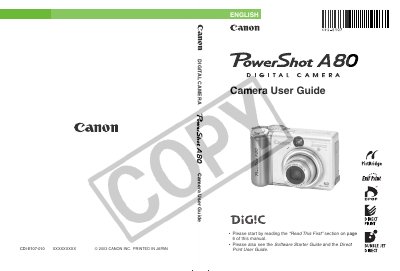
This guide provides step‑by‑step instructions for preparing the PowerShot A80, installing batteries and CompactFlash cards, and configuring basic settings such as date, time, language, and video format. It also details the operation of shooting modes, flash usage, zoom, and menu navigation.
Additional sections cover image playback, erasing and formatting files, transferring images to a computer, and using Canon's printing utilities. Safety notices and warranty information are included, along with a reference page for quick access to key functions.
| LCD pixel yield | >99.99% of pixels operate to specification |
|---|---|
| Video signal format | Set to regional format |
| ISO speed | Automatically set by the camera |
| White balance default | AUTO |
Yes, settings changed via menus and buttons are retained even after the camera is turned off.
Use the “Formatting a CF Card” option in the menu to format the card.