
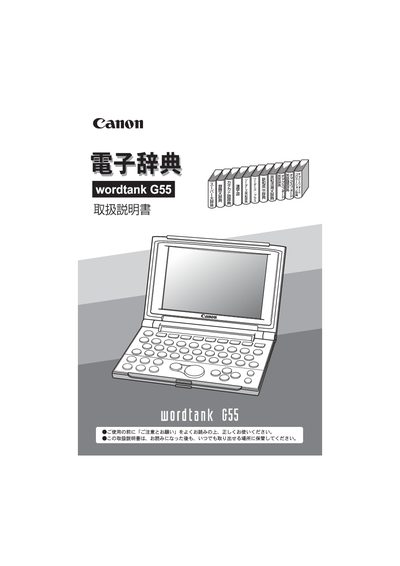
This manual explains how to set up and operate the Canon Wordtank G55 electronic dictionary. It covers safety precautions, key functions, text input methods, and the various search features such as instant search, wildcard search, and multi‑dictionary jump.
The guide also lists the included dictionaries, battery replacement steps, reset procedure, and detailed technical specifications like display size, power consumption, dimensions, and operating temperature. This manual is written in Japanese.
| Display | 350 × 240 dot‑matrix LCD |
|---|---|
| Font size (small) | 12 dot |
| Battery type | 2 × AA alkaline (LR03) |
| Operating temperature | 25 °C |
| Dimensions (open) | 140 mm × 183 mm × 12 mm |
| Dimensions (closed) | 140 mm × 99 mm × 14.5 mm |