
This document provides contact information for Canon's offices in the United States, Canada, Mexico, Asia, Oceania, and Europe.
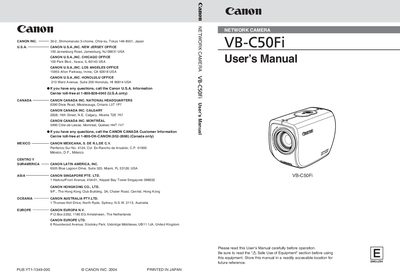
This manual introduces the Canon VB-C50Fi network camera, describing its package contents, hardware and software requirements, and safety precautions. It guides users through initial setup, network connection, and basic configuration of image quality, motion detection, and scheduling.
Further sections cover the VB Administration Tools, Viewer software for PC and Java, picture recording functions, and troubleshooting. Appendices list specifications, system configuration examples, and firmware upgrade procedures.
Install the tools from the CD‑ROM by following the Installation Guide in Chapter 4, which includes starting the VBAdmin Startup Panel and launching each tool such as View Restriction, Preset Setting, and Schedule Setting.