
imageRUNNER s iR 3300 is a digital multifunctional machine launched by Canon. It has the characteristics of saving space, energy saving and high function. It can be used as a printer, scanner, etc.
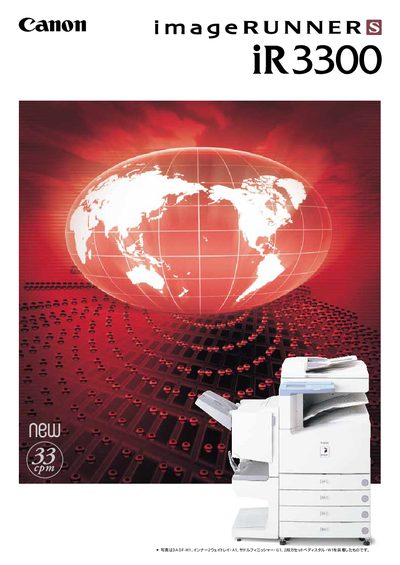
The iR3300 series is a digital multifunction copier that combines high‑quality copying, scanning, printing and fax functions while emphasizing energy efficiency and compact design. It offers high‑resolution output, stack‑less duplex copying, and a range of paper handling options to suit busy office environments.
The device supports various optional finishers (single‑stack, saddle‑stitch, punch), network connectivity, secure printing, and advanced fax features such as high‑speed transmission and edge‑enhancement processing. Environmental features include low power consumption, on‑demand fusing, and compliance with eco‑mark standards. This manual is written in Japanese.
| Print resolution | 2400 dpi equivalent × 600 dpi |
|---|---|
| CPU | MPE603ET 133 MHz |
| Power consumption | ≤ 85 W |
| Finisher capacity | Up to 300 sheets |
The iR3300 prints at a resolution of 2400 dpi equivalent by 600 dpi.
The standard finisher can hold up to 300 sheets.
Yes, it includes a stack‑less duplex copying mechanism.