
This document provides a guide on installing and using the camera software, as well as precautions and safety measures when using the camera. It also includes instructions on connecting the camera to a computer and downloading images.
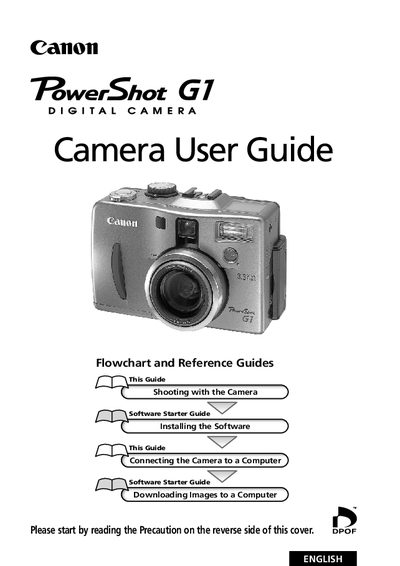
This guide covers everything you need to know to operate the Canon PowerShot G1 digital camera, from basic functions and shooting modes to connecting the camera to a computer and downloading images. It includes quick‑start steps, detailed menu descriptions, and instructions for using accessories such as external flash and conversion lenses.
Safety and maintenance information is provided, including precautions for body temperature, battery handling, cleaning, and FCC compliance. The manual also contains a troubleshooting section, error‑code list, and technical specifications for the model.