
This manual describes the functions and operation of the watch. The watch has digital and analog timekeeping functions, and it can be used to set and view the digital time and date, as well as to set the home city, DST, alarms, countdown timers, stopwatches, hand adjustments, e-DATA MEMORY, world time, and city temperature.
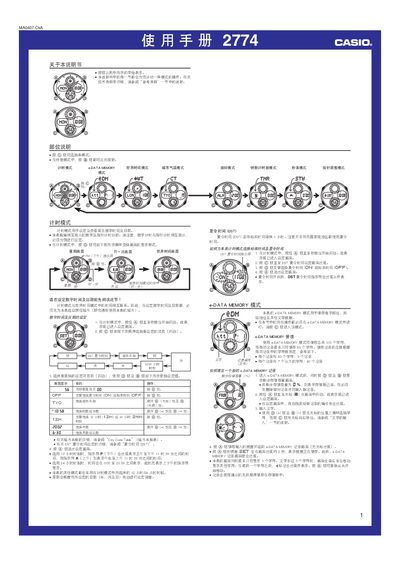
This manual describes operation of the Casio 2774 1MA0407-CkA watch. It covers mode selection, digital and analog timekeeping, e-DATA MEMORY records, alarm and hourly signal settings, countdown timer use, stopwatch, hand setting, world time and city temperature display.
The watch stores text records in e-DATA MEMORY, supports a countdown timer with auto repeat, displays world time for multiple cities, and shows average high and low temperatures for cities. This manual is written in Chinese.
| e-DATA MEMORY total capacity | 315 characters |
|---|---|
| e-DATA MEMORY record capacity | up to 63 characters per record |
| Countdown timer range | 1 minute to 24 hours |
| World Time coverage | 30 cities (27 time zones) |
| Alarm sound duration | 20 seconds |
It stores 315 characters total, with up to 63 characters in each record.
The countdown timer can be set from 1 minute to 24 hours.
World Time mode can display the time for 30 cities across 27 time zones.
The alarm sounds for 20 seconds when the preset time is reached.