
The Philips HTS3011 Home Theater System lets you enjoy a cinematic experience in the comfort of your own home. This manual will show you how to connect, set up, and watch your system, and provides detailed information on the system's features.
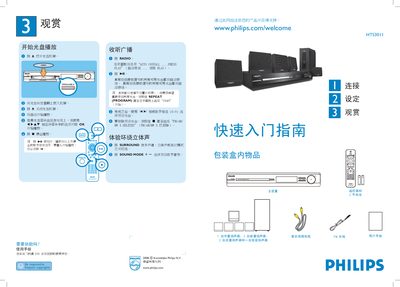
This guide explains how to set up the HTS3011 home theater system, including proper speaker placement, connecting the main unit to the TV with the supplied composite video cable, and attaching the FM antenna and power cord. It also details the contents of the package, such as the center, front, rear, and subwoofer speakers and the required batteries.
Operational instructions cover CD playback, radio tuning, surround‑sound mode selection, and language configuration. The manual shows how to start and stop playback, store preset radio stations, switch between audio modes, and adjust settings via the OPTIONS menu. This manual is written in Chinese.
| Speakers Included | 1 center, 2 front, 2 rear, 1 subwoofer |
|---|
Open the disc tray, place the disc label side up, close the tray, and playback starts automatically.
Connect the supplied composite video cable from the CVBS socket on the main unit to the VIDEO IN socket on the TV.