
GODEX EZ series barcode label printer, the printer supports 203dpi/300dpi resolution, 6/4 inches per second printing width, maximum printing width 104mm, built-in GODEX Chinese font and timer, support expansion memory card, can extend label printing length.
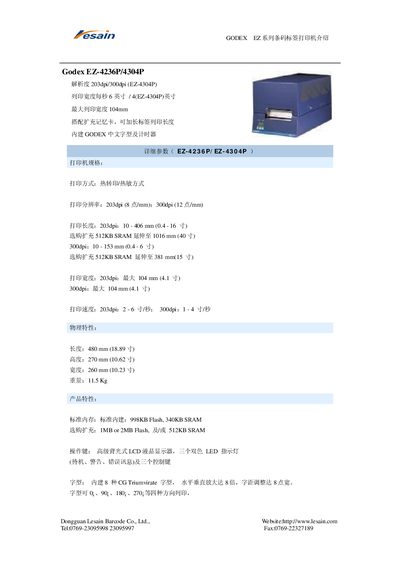
The Godex EZ series barcode label printers (models EZ-4236P and EZ-4304P) support both thermal transfer and direct thermal printing. The guide provides details on resolution options (203 dpi or 300 dpi), maximum print width of 104 mm, and print speeds ranging from 2‑6 in/s (203 dpi) to 1‑4 in/s (300 dpi).\n\nAdditional information includes memory configurations, optional accessories such as cutters and keyboards, supported 1‑D and 2‑D barcode symbologies, environmental operating limits, power requirements, and consumable specifications for paper and ribbons. This manual is written in Chinese.
| Print resolution | 203 dpi (8 dots/mm) and 300 dpi (12 dots/mm) |
|---|---|
| Maximum print width | 104 mm |
| Print speed | 203 dpi: 2‑6 in/s, 300 dpi: 1‑4 in/s |
| Physical dimensions (W×D×H) | 480 mm × 270 mm × 260 mm |
| Standard memory | 998 KB Flash, 340 KB SRAM |
| Power input | 100‑240 VAC, 50/60 Hz |
| Paper roll diameter | 10 inches |
| Ribbon width | 40 mm to 110 mm |
The printers can operate in both thermal transfer and direct thermal modes.
Programming is done with the EZPL language, and label files can be downloaded from a PC.