
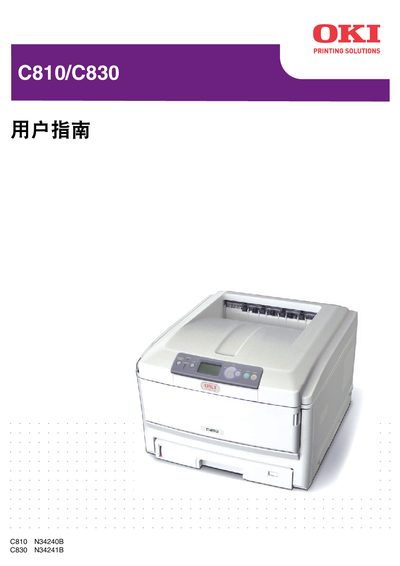
OKI C810/C830 Printer User Manual


OKI C810/C830 Printer User Manual - cover page
Brand
OKI
Category
Printer
Document type
User Manual
Language
Chinese
Pages
90
File format
PDF
File size
7.8 MB
Updated
29 September, 2023
MD5 checksum
B5883C72E8F36C048E9CB97BA98264F5

About this manual

This document serves as the user manual for the OKI C810 and C830 printing solutions. It covers the setup, operation, and configuration of the devices, including detailed instructions for various menu systems such as the Print, Media, Network, and Maintenance menus. The guide also addresses software compatibility and driver installation for Windows and Macintosh environments. This manual is written in Chinese.

What's inside

  • Menu Configuration
  • Print Menu
  • Media Menu
  • Network Menu
  • Maintenance Menu
  • Software Installation
  • System Configuration
  • Usage Menu
  • Administrator Boot Menu
  • Shutdown Menu

Frequently asked questions

What is the model number of the printer?

The model number is C810 N34240B or C830 N34241B.

What operating systems are supported?

The printer supports Microsoft Windows XP and Mac OS.

What are the supported print languages?

The printer supports PostScript 3, PCL 5c, HP-GL, PCL XL, PCL 6, Epson FX #4 IBM Pro Printer Ill XL.

Download PDF (7.8 MB)

More OKI Manuals


View all OKI manuals →