
Casio watch user manual, introduces how to use the watch's various functions, including battery charging, time setting, and location setting.
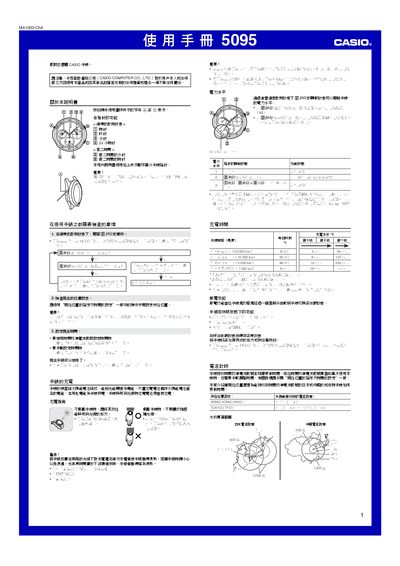
This manual explains how to operate the Casio 5095MA1003-ChA solar‑powered watch, including basic button functions, power‑level indicators, and the second‑time feature. It also covers safety warnings and warranty information.
Key sections cover charging the watch in bright light, setting the time manually or via radio‑wave signals, adjusting the second‑time zone, performing hand‑position calibration, and troubleshooting common issues such as low power or signal reception problems. This manual is written in Chinese.
| Accuracy (room temperature) | ±15 seconds per month (without calibration signal) |
|---|---|
| Timing functions | hours, minutes, seconds, 24‑hour |
| Time calibration signal reception | Automatic up to three times daily; manual reception |
| Supported time calibration signals | JJY 40.0 kHz (Fukushima), JJY 60.0 kHz (Fukuoka/Saga), BPC 68.5 kHz (Shangqiu, China) |
| Second‑time function | hours, minutes |
| Second‑time adjustment unit | 30 minutes |
| Power source | Solar cell and rechargeable battery |
| Battery life | 8 months (no light, with daily radio signal reception ~3 min) |
Place the watch in bright light when not wearing it; the solar cell will charge the internal battery. Avoid covering the watch with sleeves.
It indicates that the power level is low (Level 2). Charge the watch in bright light to raise the power level.
Move the watch to a well‑lit area or press any button; it may take up to 14 minutes to return to normal operation.
Select the correct location (e.g., Tokyo or Hong Kong), then press and hold the A button for about two seconds until the seconds hand indicates the reception process.