
The Dinion IP camera is a hybrid system with modern features that supports both traditional direct analog output and modern network transmission. They can simultaneously transmit video on two channels. With the acclaimed Dinion digital imaging technology, they provide proven, reliable service to meet any demanding security and surveillance requirements.
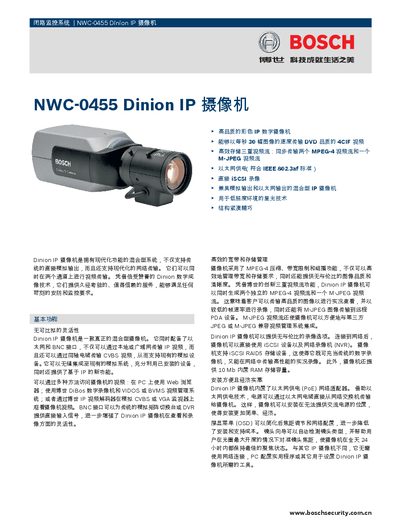
The Dinion IP Camera is a mixed‑mode surveillance camera that combines IP and analog video outputs. It supports high‑quality color IP video, up to 30 fps (NTSC) or 25 fps (PAL), and can generate three simultaneous streams (MPEG‑4 and M‑JPEG). Low‑light performance is enhanced by star‑light technology for clear images in very dark conditions.
The camera can be powered via PoE (IEEE 802.3af) or a 24 VAC/12 VDC supply, and it includes BNC and RJ45 connectors for video output. Installation is simplified with built‑in PoE and OSD configuration tools. Technical specifications such as resolution, power consumption, operating temperature, and dimensions are listed in the document. This manual is written in Chinese.
| Video resolution (4CIF) | 704 × 576 |
|---|---|
| Power over Ethernet (PoE) | IEEE 802.3af compliant |
| Maximum power consumption | 8 VA |
| Operating temperature | 0 °C to +40 °C |
| Built‑in RAM | 10 MB |
| Dimensions (W × H × D) | 2.32 × 2.64 × 4.84 in |
The camera can be powered via PoE (IEEE 802.3af) or with a 24 VAC/12 VDC supply.