
Brother MFC-J5910DW Printer User Manual

This manual describes advanced operations for the MFC-J5910DW, including faxing, copying, security features, printing reports, and performing routine maintenance.
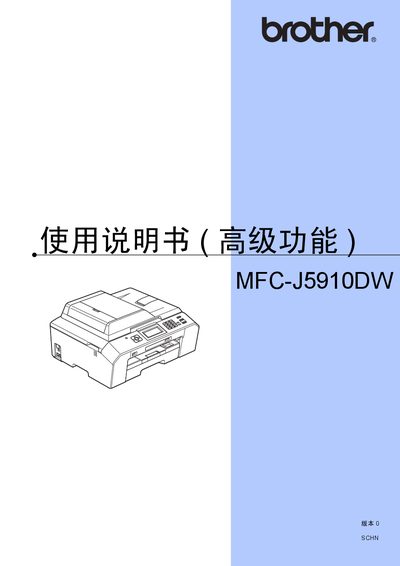

Brother MFC-J5910DW Printer User Manual - cover page
Brand
Brother
Category
Printer
Document type
User Manual
Language
Chinese
Pages
74
File format
PDF
File size
4.3 MB
Published
28 February, 2012
Updated
01 October, 2023
MD5 checksum
A0DD01533EB58439655A8961148C5A5B

About this manual

This manual covers the quick installation process, basic printing functions, and how to replace consumables. It also explains safety features, memory storage, and PC‑Fax operation.

Advanced topics include high‑resolution printing, LCD contrast adjustment, sleep mode settings, PictBridge photo printing, DPOF printing, and troubleshooting steps for common issues. This manual is written in Chinese.

What's inside

  • Quick Installation Guide
  • Basic Functions
  • Advanced Functions
  • Safety Features
  • Memory Storage
  • PC‑Fax
  • PictBridge Printing
  • Sleep Mode
  • LCD Contrast Adjustment
  • Troubleshooting

Specifications

PictBridge supportYes
Duplex printingSupported

Frequently asked questions

How do I install the Brother MFC-J5910DW printer?

Follow the Quick Installation Guide included in the manual.

Download PDF (4.3 MB)

More Brother Manuals


View all Brother manuals →