
Instruction manual, introduces how to use the watch
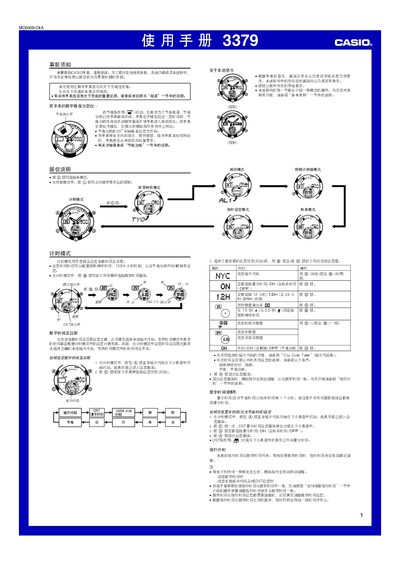
This manual provides step‑by‑step instructions for all functions of the Casio 3379MO0409-CkA solar watch, including time and date setting, world time, alarms, countdown timer, stopwatch, illumination and power‑saving features. It also contains safety warnings and detailed charging guidelines.
The document is organized by mode, with separate sections for timing mode, world‑time mode, alarm mode, countdown timer, stopwatch, automatic illumination, power management and charging instructions, plus reference tables such as the city‑code list. This manual is written in Chinese.
| Power source | Solar cell with rechargeable battery |
|---|---|
| Illumination | LED with light guide panel |
| Display active time | 18 hours per day, 6 hours sleep |
| Automatic illumination duration | 1.5 seconds per activation |
| Alarm sound duration | 10 seconds per alarm |
| Battery life (continuous timing) | Up to 12 months on full charge |
In any mode, press and hold the L button for about 2 seconds to toggle the automatic illumination indicator.
Switch to alarm mode, use the D button to select an alarm number, hold the A button until the hour digits flash, then adjust hour and minute with D (+) and B (‑). Press A to confirm.