
This quick start guide introduces the features and operations of the Philips SA3425, SA3445, SA3446 and SA3485 audio video players.
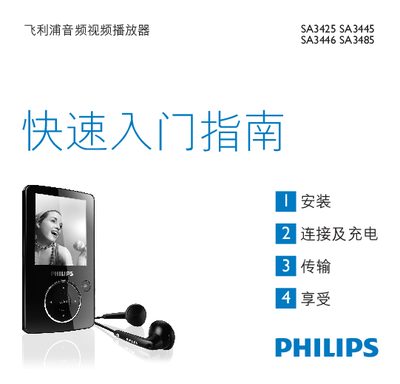
The Philips GoGear audio video player (models SA3425, SA3445, SA3446, SA3485) is a portable device for playing music, videos, and radio, as well as recording voice and radio audio. It connects to a PC via USB for charging and file management.
This guide provides instructions on installing the Philips Device Manager and Media Converter, transferring various media types, using the radio and recording functions, and performing basic troubleshooting like device resets. This manual is written in Chinese.
| PC Processor Requirement | 300MHz or higher Pentium class |
|---|---|
| PC RAM Requirement | 128MB |
| PC Hard Disk Space | 500MB |
| Charging Time (Full) | 4 hours |
| Radio Presets | Up to 20 stations |
Insert a small pin or sharp object into the reset hole on the left side of the player and hold until the power turns off.
The battery takes 4 hours to reach 100% and 2 hours to reach 80%.
Use the Media Converter application to convert video files to the appropriate format and resolution before transferring them via USB.