
SLM5500 is a wireless digital media player that allows you to play downloaded movies, music and photos from your computer on your TV screen.
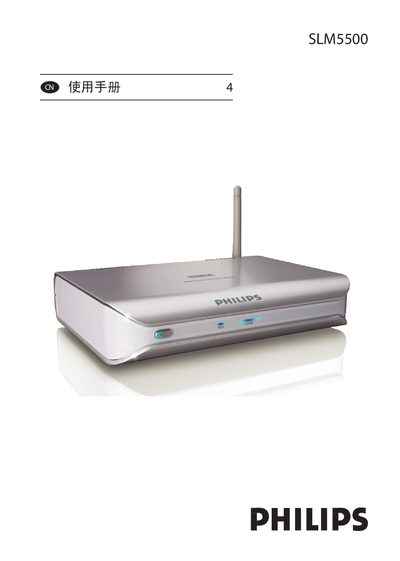
The Philips SLM5500 is a wireless digital multimedia player that lets you watch downloaded movies, play digital music, and view digital photos on your TV. It supports video formats such as MPEG1, MPEG2, MPEG4, WMV, DivX and Xvid, and audio formats including WMA, MP3 and WMV.
Setup uses the Philips Media Manager software and a 2.4GHz wireless connection to access multimedia files on computers in your home. The player connects to TVs through SCART or component video, to digital audio systems, and to wired or wireless networks. This manual is written in Chinese.
| Dimensions | 207 x 152 x 40 mm |
|---|---|
| Power supply | AC 100-240 V 50-60 Hz |
| Power consumption | 15 W (2.5 W standby) |
It supports MPEG1, MPEG2, MPEG4, WMV, DivX and Xvid video formats.
It supports WMA, MP3 and WMV multimedia formats.
Connect a UTP5e Ethernet cable to the Ethernet port.
A blue light means the player is switched on.