
This manual introduces the use of the DVD-ROM&CD-R/RW drive for the Panasonic CF-30 notebook computer series, including safety precautions, using the drive, using software, troubleshooting guides, and specifications.
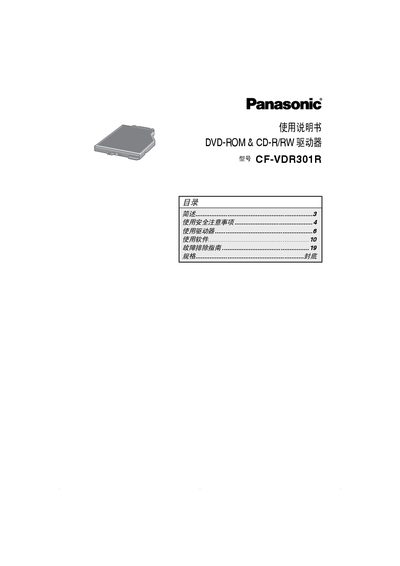
This manual explains the safe handling of the Panasonic CF‑VDR301R DVD‑ROM and CD‑R/RW drive, including laser safety warnings, proper tray operation, and handling of discs. It also details how to install the drive in a notebook, configure DMA settings, and use the supplied software utilities such as Easy Media Creator and WinDVD.
Additional sections cover region‑code settings, supported media formats, transfer‑rate specifications, and a troubleshooting guide for common issues like drive recognition failures or playback problems. The document ends with a full specifications table and regulatory information. This manual is written in Chinese.
| Working voltage range | DC 5 V ± 0.25 V |
|---|---|
| DVD‑ROM 1× transfer rate | 1385 KB/s |
| CD‑ROM 1× transfer rate | 150 KB/s |
| Interface | Enhanced IDE (ATAPI) standard |
| Dimensions (W×D×H) | 132 mm × 149 mm × 14.0 mm |
| Weight | ≈ 220 g |
Insert a sharp object such as a straightened paperclip into the emergency hole (D) and push it in until the tray unlocks.
The DVD‑ROM reads at 1× speed, which is 1385 KB per second.
You can change the region code up to five times, after which it cannot be altered any further.
The manual references Windows Vista and Windows XP for driver installation and software use.