
This is a user manual for Philips monitors, which introduces the installation, operation, product information, technical specifications, regulations, customer service and warranty, troubleshooting and FAQs.
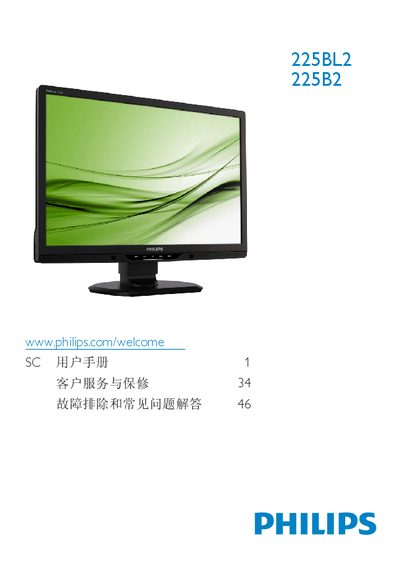
This manual covers important safety measures, proper handling, and installation instructions for the Philips 225B2/225BL2 22‑inch LCD monitor. It explains how to connect power, VGA/DVI/USB cables, adjust the ergonomic stand, and use the on‑screen display (OSD) features such as SmartImage, SmartContrast, and color settings.
The document also lists technical specifications, environmental disposal guidelines, warranty conditions, and a detailed FAQ section that addresses common issues like resolution settings, cleaning the screen, and wall‑mounting options. This manual is written in Chinese.
| Panel Size | 22 inches (55.9 cm) |
|---|---|
| Resolution | 1680 × 1050 @ 60 Hz |
| Brightness | 250 cd/m² |
| Contrast Ratio (typical) | 1000:1 |
| Response Time (typical) | 5 ms |
| Power Consumption (normal) | 22.5 W (typ.) |
The recommended resolution is 1680 × 1050 @ 60 Hz.
Use a clean soft cloth for normal cleaning; for detailed cleaning use isopropyl alcohol and avoid regular alcohol, ethanol, acetone, or other solvents.
Yes, the monitor can be wall‑mounted using the standard VESA mounting holes on the rear.
A refresh rate of 60 Hz is recommended; up to 75 Hz can be used to check for interference.